For diesel mechanics
Diesel mechanic invoicing and job tracking software
Diesel work is the same records on a longer clock: jobs that run past one visit, parts that arrive on somebody else's truck, and customers who own a yard rather than a car.
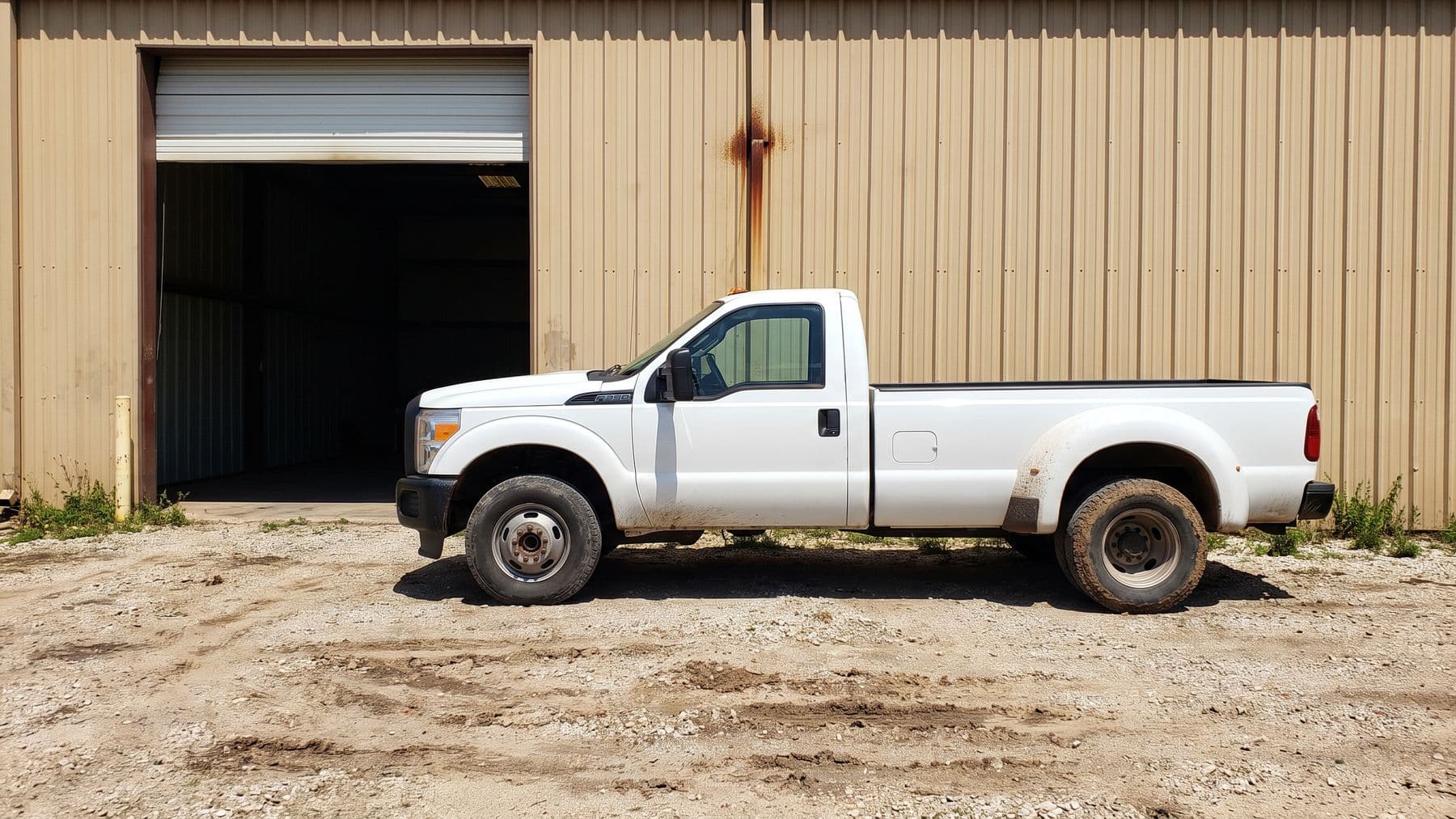
Diesel does not need different software. It needs software that does not assume every job opens and closes on the same afternoon, and does not assume the person paying owns one vehicle.
That is most of the difference. The estimate, the approval, the photographs, the invoice and the payment are the same objects a light duty mechanic uses. What changes is that a job sits open for days while a part ships, the scope moves once you are inside it, and the customer you are billing has six other trucks with their own histories.
What does not change is that nothing in Fixty knows what a diesel engine is. It holds what you write down. That distinction is worth being clear about before you spend an evening moving your customer list.
A job that does not finish today
The light duty version of this page describes a day. Diesel needs a week, and this is the shape of it.
Day one, roadside or in the bay
The job is created with the customer and the unit attached. You photograph what you found in an inspection, mark each item checked and ok, may need attention, or needs immediate attention, and send a first estimate from the same job while you are still standing next to it.
The part is three days out
You set the job to waiting on parts. It stays on the board, visible, instead of living in your head. The status change is written into the job history, so when somebody asks later when it stalled, the answer is a record rather than a memory.
The scope changes
It usually does. The customer can ask for changes on the estimate instead of only approving or declining it, and the revised quote goes back out on the same link by text. The version they said yes to is the version attached to the job.
The truck goes back together
The work order becomes the invoice and every line comes with it: your labor at your rate, the parts you actually fitted, the fees you actually charged. Nothing is retyped, so nothing is quietly dropped.
Getting paid
The invoice is a link and the payment is a Stripe checkout page. For a customer whose accounts person is three hours away and never meets you, a link they can forward is worth more than a piece of paper in the cab.
The parts of Fixty that carry the weight on a long job
Every row is one of the axes Fixty is measured on across this site, so what follows is printed from the same record as the losses further down the page.
Job pipeline board
A board that keeps a stalled job visible is the whole difference between tracking diesel work and tracking a brake job. The stalled jobs are the ones that lose money, and they are the ones that disappear.
Digital estimates and quotes
Labor, parts and fees as separate lines, so a repair that grew mid job is legible afterwards to somebody who was not there.
Customer approves the estimate by text, line by line
The customer opens a link, picks the lines they want, and signs.
A fleet manager approving line by line from a phone is faster than a signature on a form that has to reach an office. The approval is recorded against the job, which matters when the bill is queried.
Photo vehicle inspections
Included on every plan, not an upgrade.
Photographs of what you found are the argument for the work, and on a truck the customer is often nowhere near the shop when the decision gets made.
Two way SMS with the customer
Drivers and yard managers answer a text. They do not answer an email from a company they have not saved in their contacts.
Card payments
Stripe, paid from the same link as the estimate.
A payment link can be forwarded to whoever actually pays, which is rarely the person who handed you the keys.
Runs entirely from a phone
Estimate, inspection, schedule and payment all work from a phone, in the browser or the free Fixty app.
Roadside diesel work happens on the shoulder of a road, in the rain, with no laptop anywhere near you.
What Fixty will not do for diesel work
Four of these are rows Fixty loses on every comparison table on this site. The others are specific to this kind of work and you should weigh them harder than the general ones.
Parts inventory management: no
Fixty tracks parts on a job, not stock on a shelf.
Multi technician teams: no
One mechanic, one workspace. Built solo first on purpose.
Accounting sync: no
No QuickBooks or Xero integration today.
Route optimization: no
Fixty does not do this. It was advertised once by mistake and the claim was retracted.
- No parts ordering. There is no vendor catalog, no live availability and no purchase order, so the part number, the supplier and the price are whatever you type into the line.
- No fleet statement. An invoice in Fixty belongs to exactly one job, so a customer with six repairs this month gets six invoices and not one statement at the end of it. If your customers pay on a monthly account, that is a real gap and you should know it before you sign up.
- Service reminders run on an interval of days. Not miles, not engine hours. For a truck that is measured in either, the reminder is a rough prompt to call, not a maintenance schedule.
The fleet statement is the one that ends most conversations, and rightly. It is also the one we are least able to fudge, so it is at the top of the list rather than buried in a footnote.
One customer, a yard full of trucks
The light duty assumption is one person, one car. Diesel breaks that on day one, and it breaks it in a way that quietly corrupts the records if the software cannot hold it: you end up with the same company entered four times because each truck got its own contact, and then nobody can answer what you have spent on that account this year.
Fixty holds it the plain way. A vehicle belongs to a customer, and a customer can have as many as you like. So the yard is one record with the trucks under it, and each truck carries its own history of jobs, work orders and invoices.
- The third truck through the door shows you what you did to the first two, at what price, and what you told them was coming.
- Customers can be tagged, so fleet accounts can be filtered out of a list that is otherwise mostly retail work.
- A vehicle takes a plate and a VIN, which is usually how a yard refers to a unit when they call you about it.
- Mileage on the vehicle record is a number you enter, not one the truck reports. Nothing in Fixty talks to a telematics system.
What this does not give you is a customer portal. Your fleet contact cannot log in and look at their own vehicles. They see what you send them: an estimate, an inspection, an invoice, each one a link.
The diagnostic work is yours. The record of it is ours.
This is the honest boundary, and it is worth stating flatly because software aimed at diesel shops often implies otherwise.
- Fixty does not read fault codes. Nothing plugs into anything. If a code is in the record it is because you typed it into a note or an inspection item.
- There is no labor time guide, so the hours on an estimate are the hours you decided on, not a lookup.
- There are no OEM repair procedures, no wiring diagrams and no torque specifications.
- There is no aftertreatment or emissions history beyond the notes and photographs you attach to the job yourself.
What you get instead is a record that holds up: your own inspection template, filled in on the day with photographs, attached to a job that is attached to a specific unit, next to the estimate the customer approved and the invoice they paid. Months later, when a fleet manager asks why that repair cost what it cost, that record is the answer.
If you want software that already knows what a given fault code means on a given engine, Fixty is not that and is not trying to become it. Keep the diagnostic tooling you have and let this hold the paperwork.
Questions people ask before they sign up
Can a job stay open across several days?
Yes. Waiting on parts is one of the job statuses, so a job stalled on a part stays on the board rather than reading as finished or dropping out of sight, and every status change is written into the job history. The board columns are yours to name and reorder as well, so a stalled job can have a column of its own if that is how you think.
Can one customer have a dozen trucks?
Yes. Vehicles belong to a customer and there is no cap on how many. Each vehicle keeps its own service history, so the unit is the thing you look up, not the person.
Can I bill a fleet once a month for everything?
No. Every invoice in Fixty belongs to one job, so six repairs means six invoices. There is no consolidated statement and no monthly account billing.
Does Fixty do DOT inspection paperwork?
No. There is no driver vehicle inspection report and no compliance forms. Inspections in Fixty are your own templates: items you defined, rated and photographed, sent to the customer as a report.
Does it read codes or pull data off the truck?
No. Fixty has no connection to a vehicle, a scan tool or a telematics platform. Everything in the record is there because a person put it there.
What does it cost?
Starter is $99 per month and Growth is $149 per month. Both run the same 14 day free trial; a card is collected at signup and charged on day 14. Growth adds the dedicated text number, two way texting and the recurring service reminders that fleet work runs on. The Fixty Assistant is on both. Cancel any time; access runs to the end of the cycle you paid for.
Put one long job through it
The test that matters for diesel is not the first estimate, it is the fourth day. Run one job that stalls on a part from the first photograph to the paid invoice and see whether the record still makes sense at the end of it.
Try Fixty free for 14 days